01 / SELECT
Choose your Edition
Select Pickleball League when creating the organization so AlertRanger can prepare a relevant starting structure.
Send targeted SMS and email updates for match schedules, court changes, weather delays, substitute requests, registration deadlines, and league events—without managing scattered group chats.
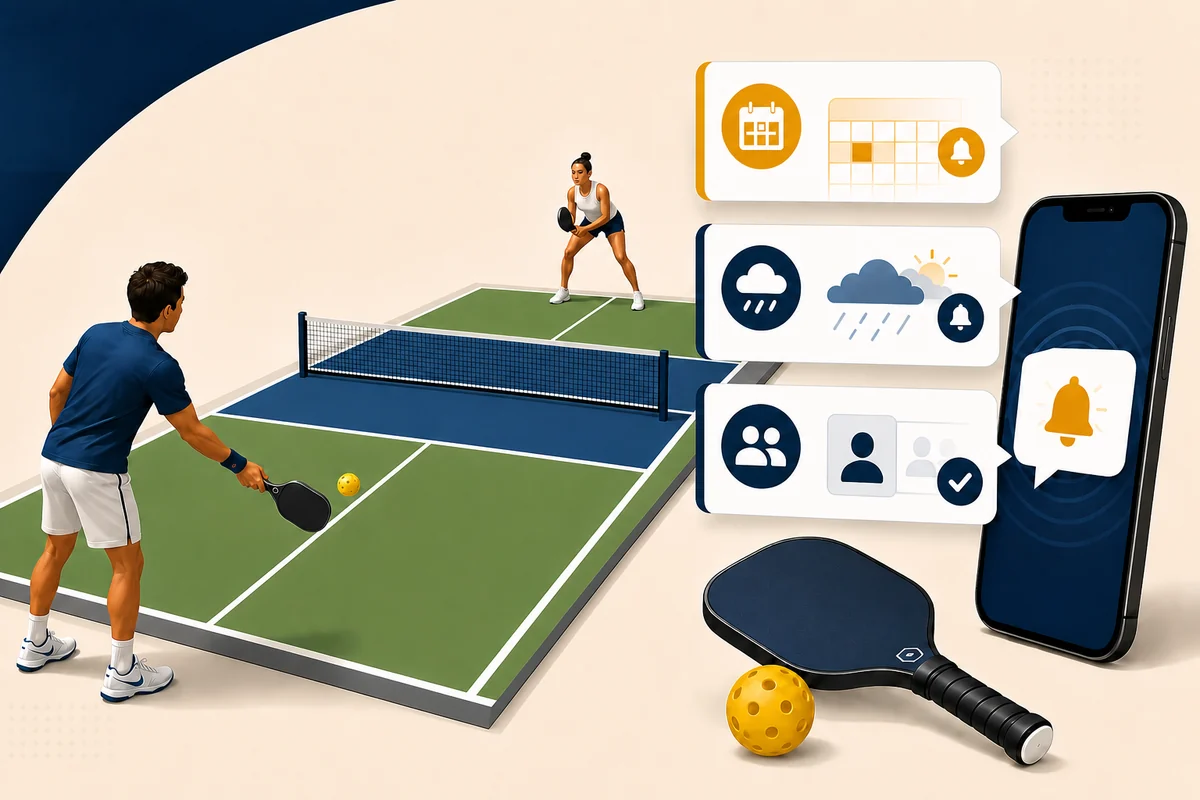
AlertRanger supports Editions: packaged setup information created for specific types of organizations. Instead of beginning with a blank account, a pickleball league starts with useful receiver types, suggested groups, ready-to-adapt templates, and fields that fit league communication.
Select Pickleball League when creating the organization so AlertRanger can prepare a relevant starting structure.
Start with Player as a receiver type, then organize captains, coaches, officials, volunteers, teams, divisions, and venues.
Editions accelerate setup without locking you in. Adjust the suggested groups, templates, and information to match how your league operates.
Selecting an Edition opens fields relevant to that organization type. In the Pickleball League Edition, each Player receiver record can include a player rating and play preferences alongside normal contact information.
That additional context helps league administrators build useful audiences and create more relevant alerts without forcing pickleball details into notes or separate spreadsheets.
Keep the player’s current rating available when organizing skill-based groups and communication.
Record the formats and styles of play the player prefers so invitations and opportunities can be better targeted.
Combine player information with teams, divisions, venues, playing days, substitute lists, and tournament groups.
A rain delay may affect one venue. A substitute request may need only a particular rating or play preference. A schedule change may apply to one team or division. AlertRanger helps the organizer choose the relevant group instead of notifying the entire league every time.
Share reminders, rescheduled matches, new start times, and court assignments with the affected players and captains.
Notify everyone at a venue—or only the next scheduled group—about delays, closures, and when play will resume.
Reach suitable substitute players, tournament participants, volunteers, or a skill-based group without creating another chat thread.
An Edition is packaged setup information for a type of organization. The Pickleball League Edition gives a league a useful starting structure for receiver types, groups, templates, and organization-specific fields.
Yes. The Edition provides the starting point. League administrators can adapt groups, templates, and player information to match their operation.
Player receiver records can include a player rating and play preferences in addition to normal contact information.
Yes. Create groups and subgroups for the audiences your league uses, then select the relevant group when preparing an alert.
Choose the Pickleball League Edition, organize your players, and send your first alert.
Start free →